---
title: "Cryptowatch Trading Surface"
description: "Cryptowatch was a real-time charting and trading terminal serving millions of traders across 25 exchanges. Kraken acquired it and later folded it into Kraken Pro."
tags: ["React", "TypeScript", "PostCSS", "WebSocket APIs", "Trading"]
canonical: https://petewatters.ie/work/cryptowatch/
source: https://petewatters.ie/work/cryptowatch.md
---
# Cryptowatch Trading Surface
## Overview
Cryptowatch was a real-time charting and trading terminal serving millions of traders across 25 exchanges. I joined Kraken's Cryptowatch team as a senior frontend engineer in August 2020 and stayed until November 2022, on a contract.
I was part of the trading and automations team working on Cryptowatch's multi-exchange trading form. This case study covers my work on the trading surface. For Coderunner, the trading-automation tool whose frontend I took over and rebuilt, see [the Coderunner case study](/work/coderunner/).
## The problem
Trading UI is unforgiving. A leverage control that lands on the wrong value changes the margin a trader commits. An amount field that rounds the wrong way misprices an order. One order form had to work the same way across many exchanges, each with its own rules for precision, minimum sizes and order types.
## What I built
### Chapter 1: The multi-exchange trading form
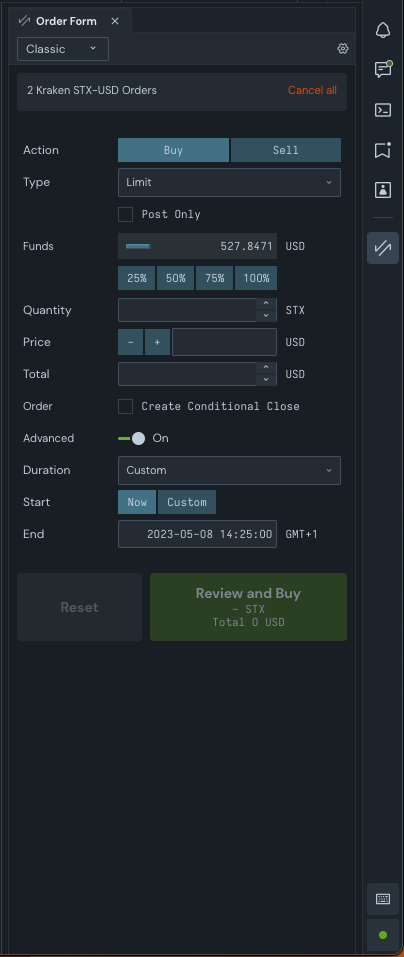
The team built one trading form that fronted many exchanges: pick an exchange, a market and an order type, then submit. I worked on it as part of the trading and automations team.
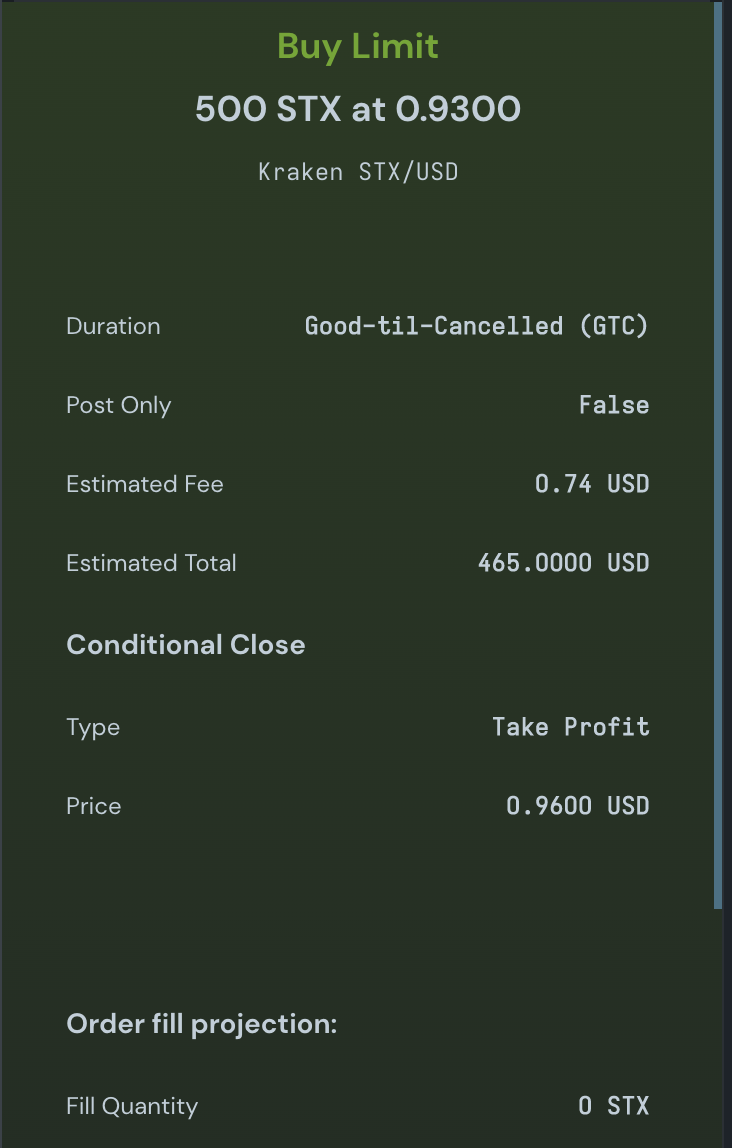
The multi-exchange order form.Order review: fees, totals and conditional-close settings shown before the trader commits.
### Chapter 2: The trade table for the cockpit overhaul
The cockpit is the trader's main screen: charts, order book, recent trades, balances and open positions. For the cockpit overhaul I built a custom trade table with inline editing.
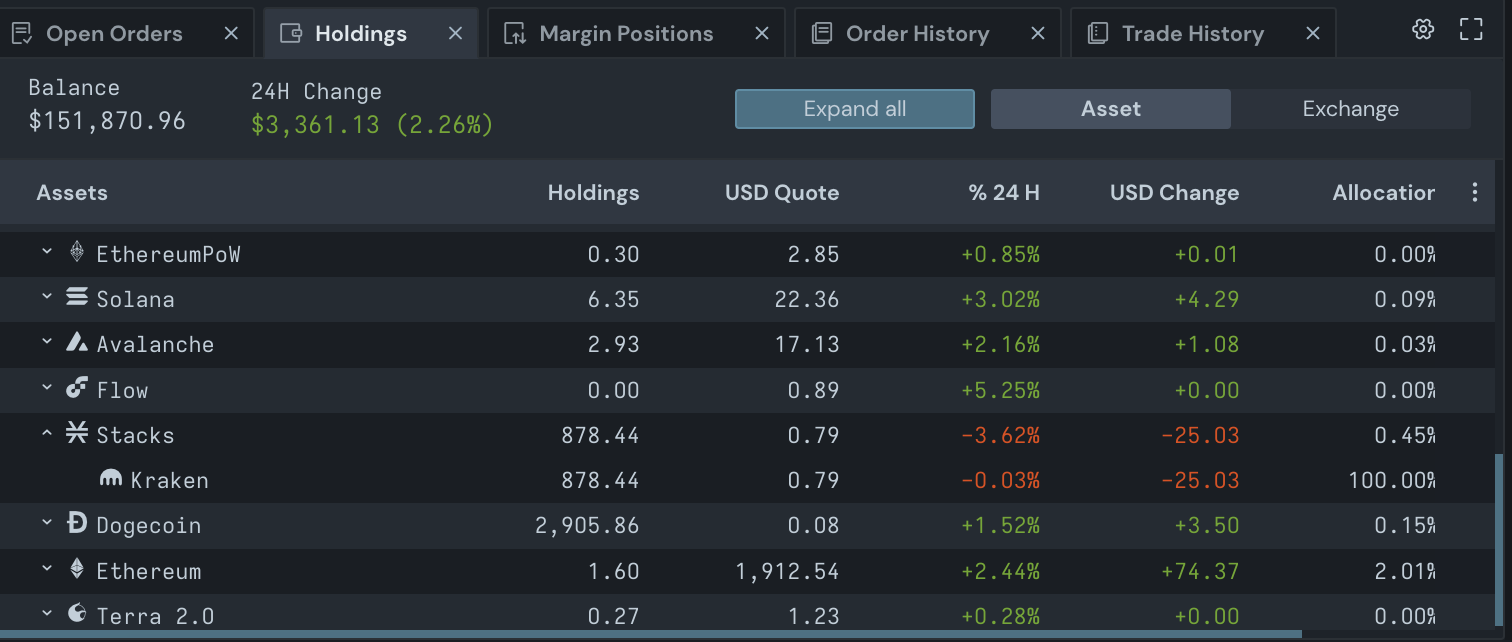
The cockpit: live chart, order book, holdings, trade history and order form on one screen.The holdings panel: multi-asset balances with 24-hour change. (Test-account data.)
### Chapter 3: The leverage slider
I implemented a custom leverage slider. It had to handle dragging, keyboard steps and typed values the same way, and respect the maximum leverage for the selected pair. It also had to make the committed value clear while the trader was still dragging.
## Outcome
The trading form, the cockpit trade table and the leverage slider were all part of the surface traders used to place real orders. The work also led to Coderunner: I took over its frontend in the same role.